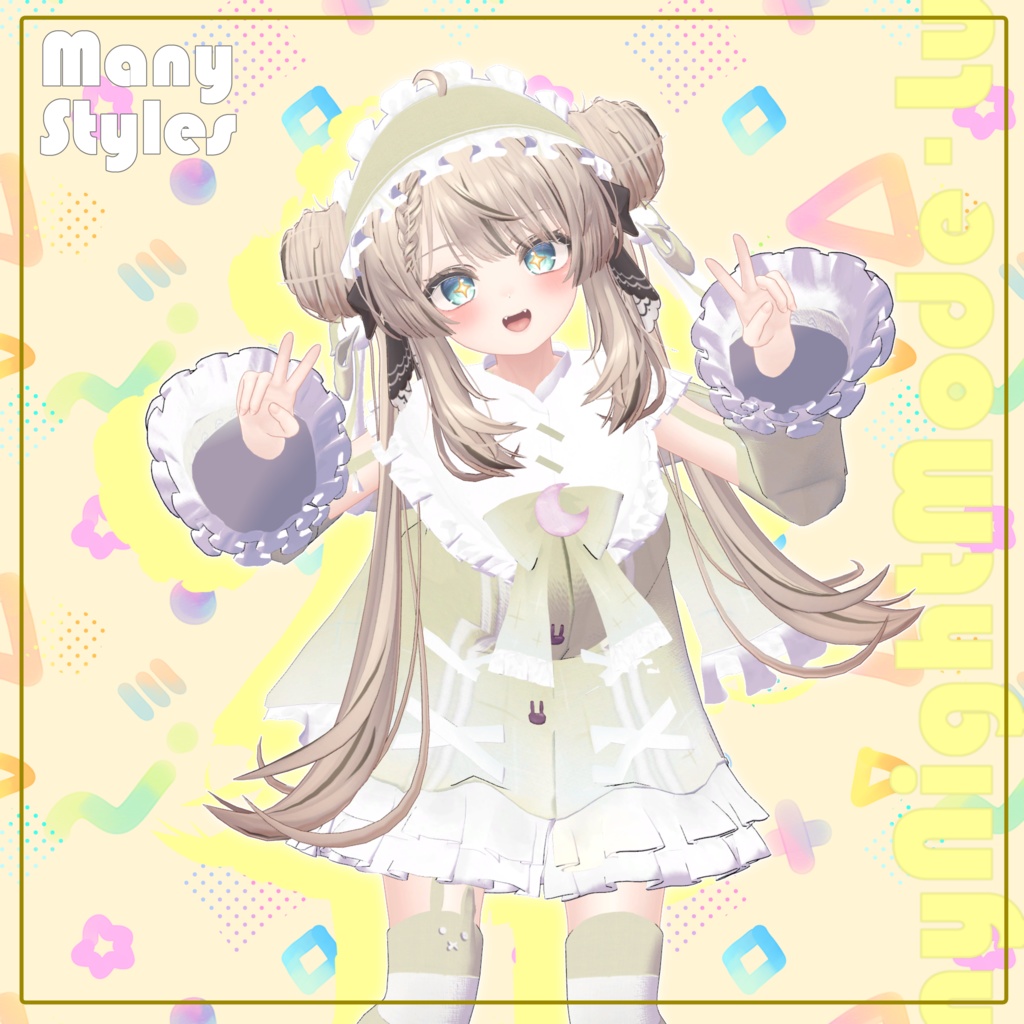
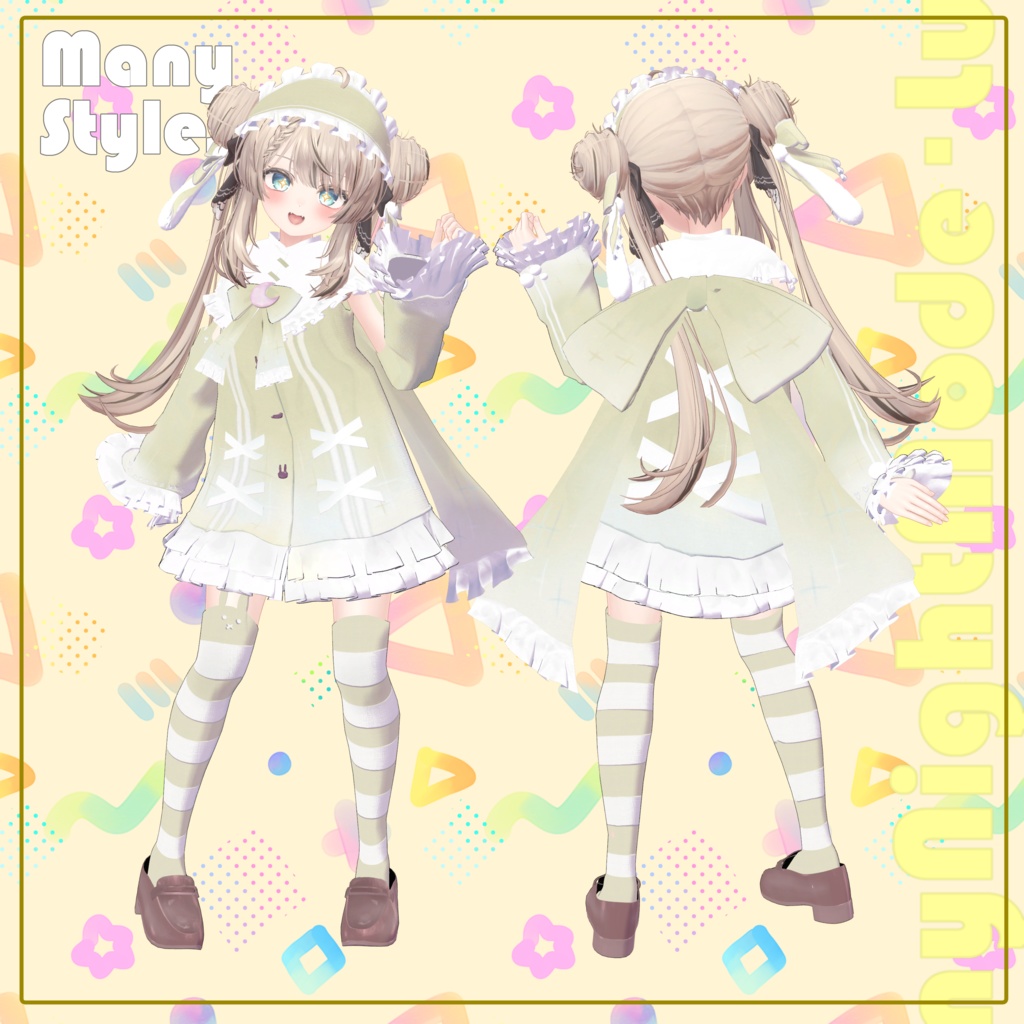
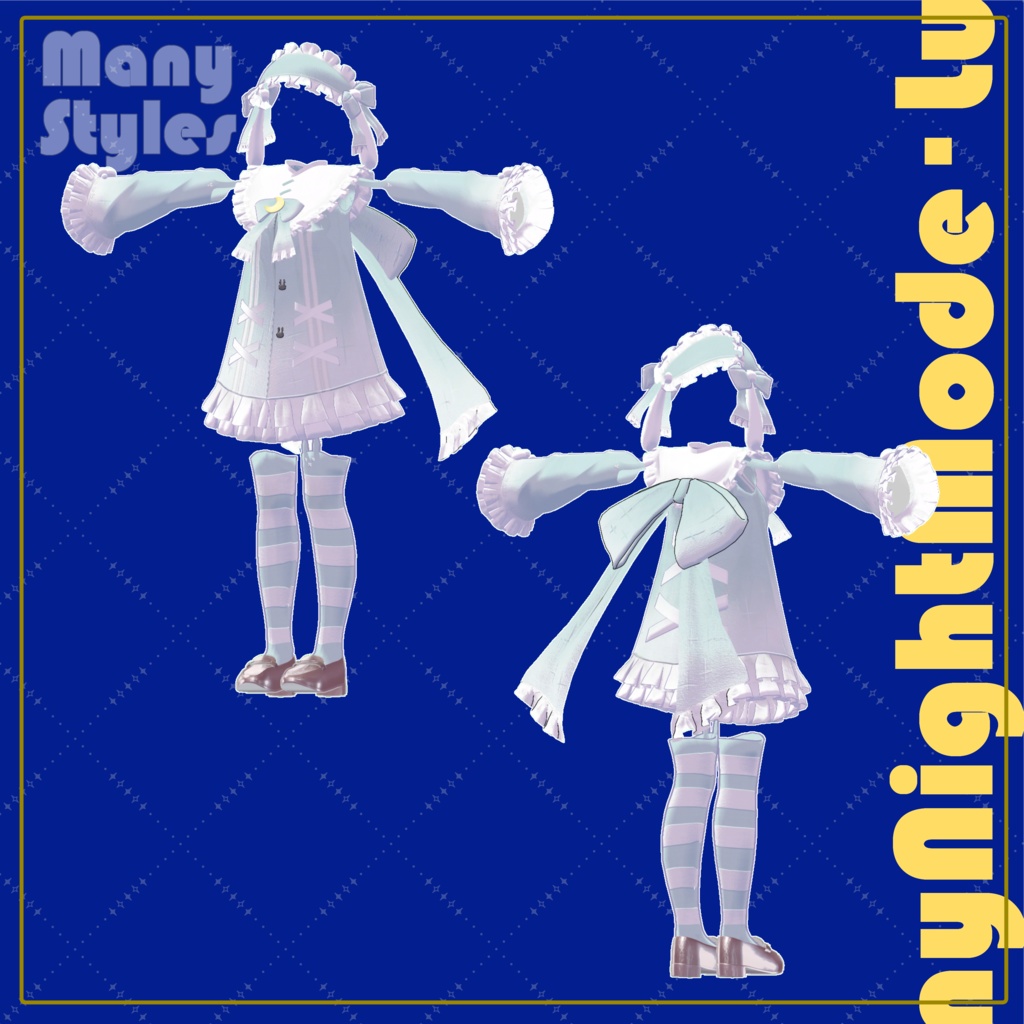
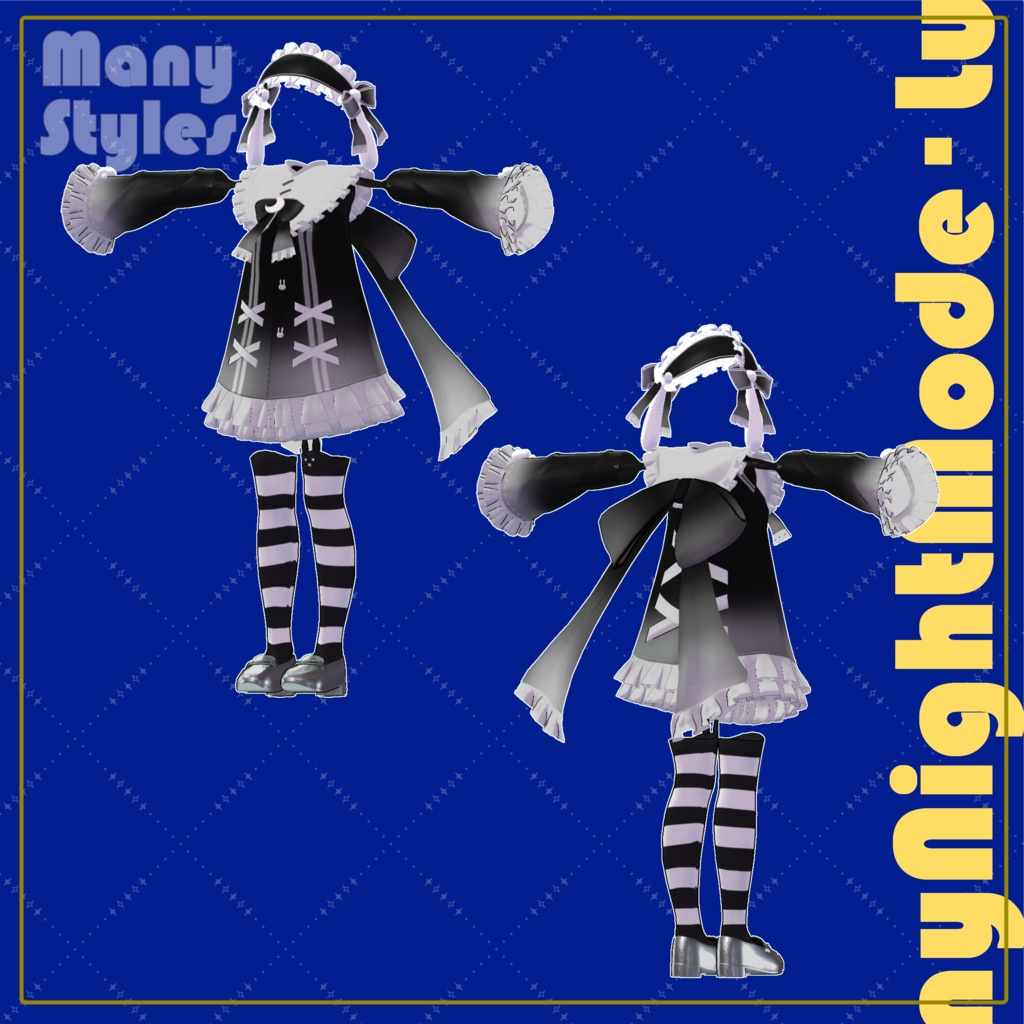
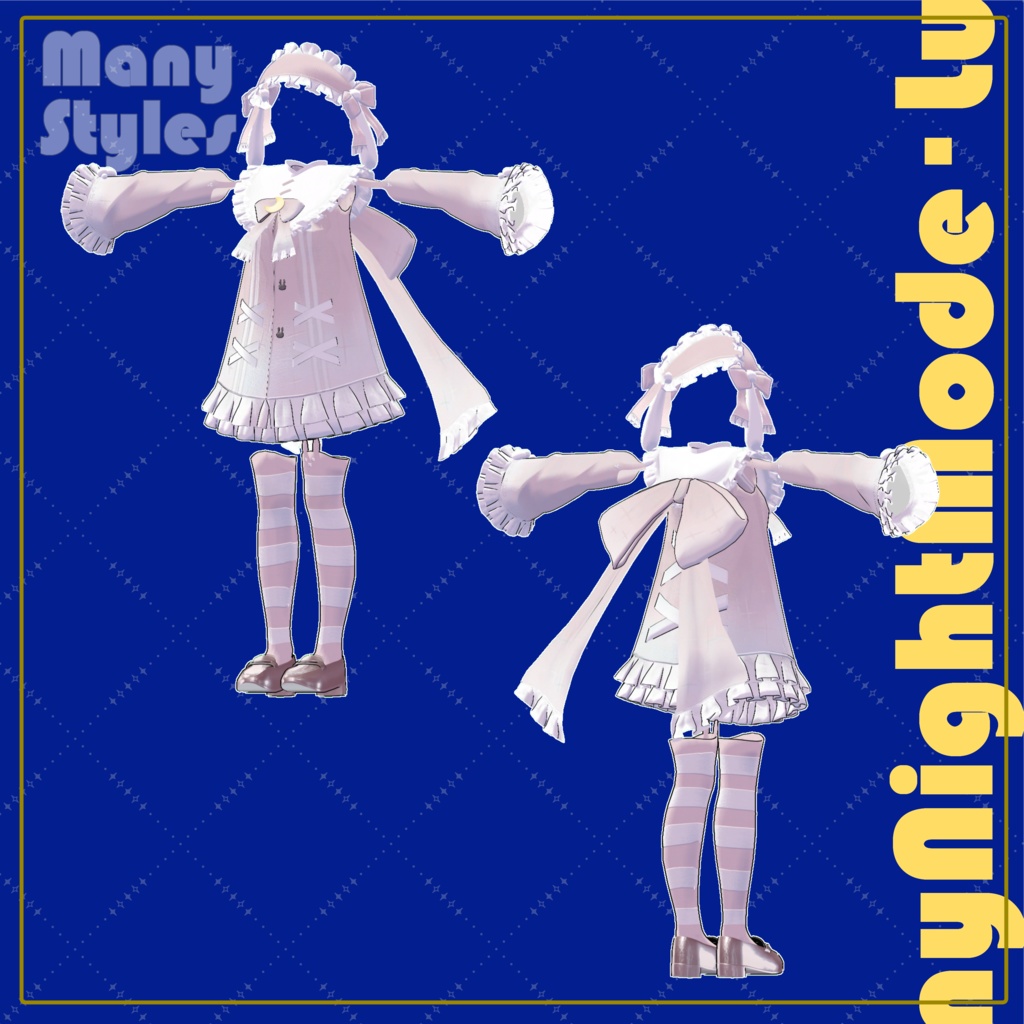
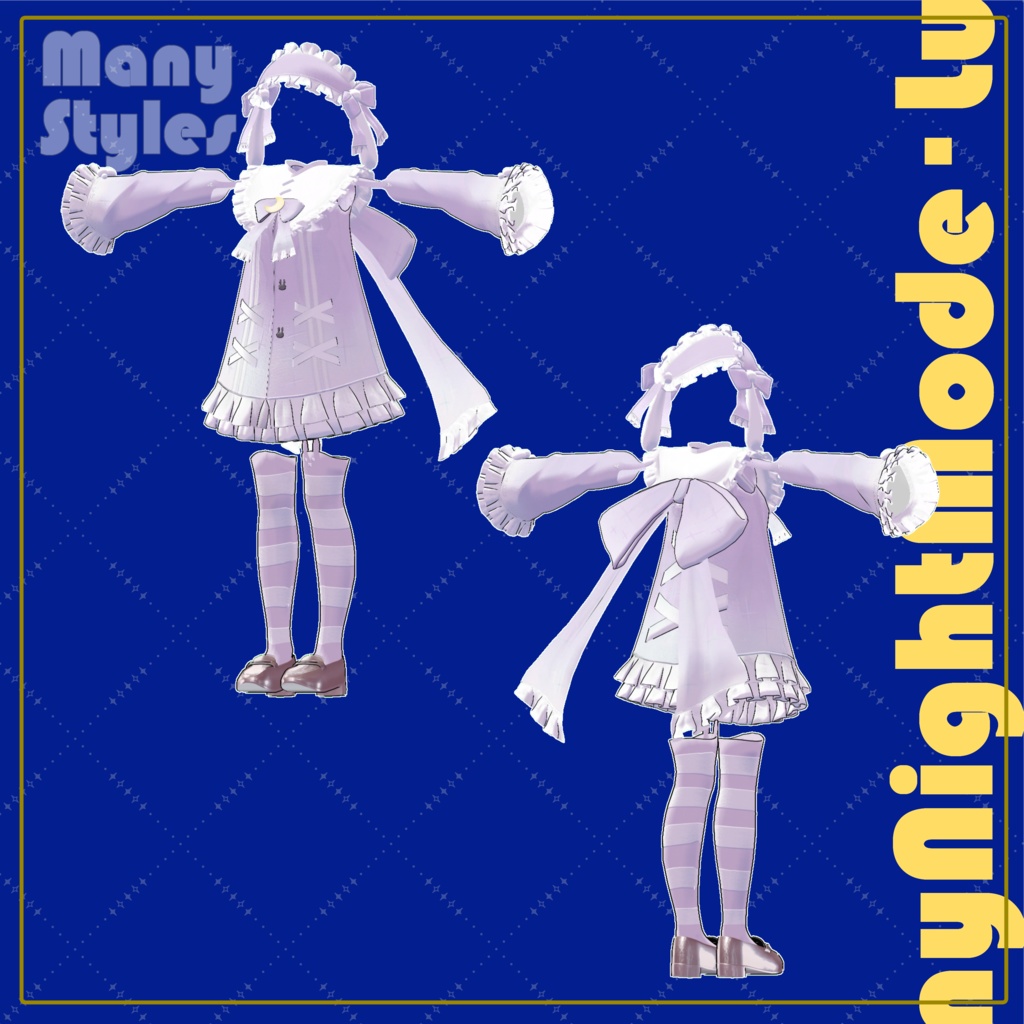
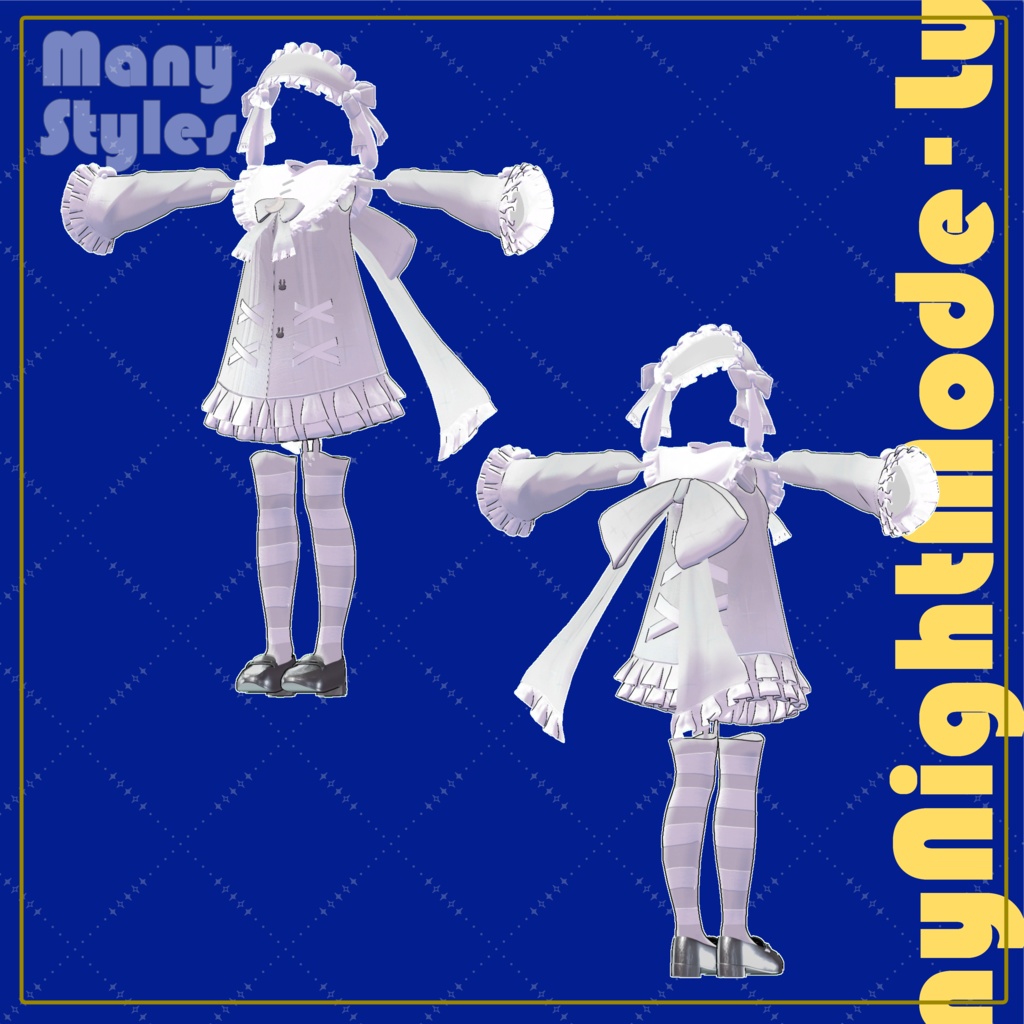
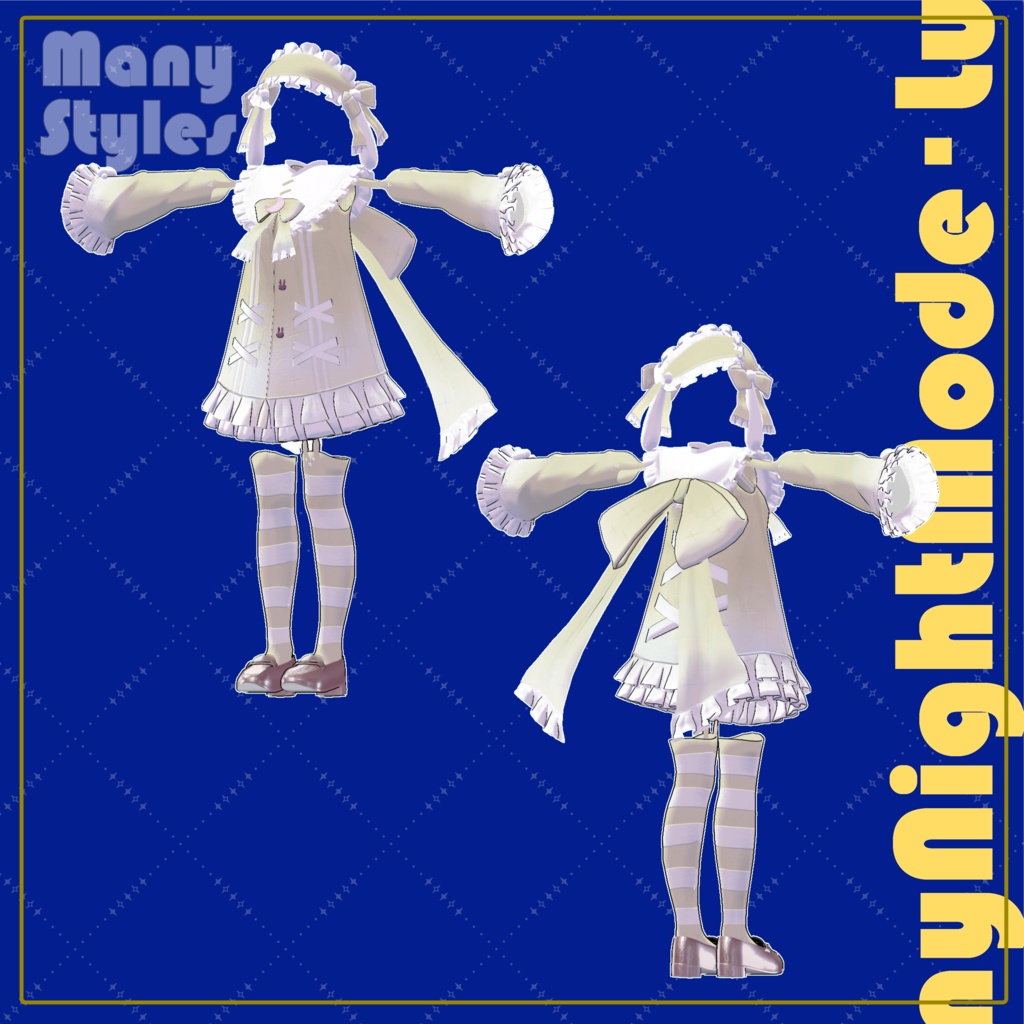
【マヌカ対応】ティニーナイトモード・ルナ-Tinny night mode Luna-
- ダウンロード商品通常版¥ 400
- ダウンロード商品支援版(PSD付き)¥ 450
【JP】 デザイン・テクスチャ:nonana_様 必ずliltoonとModularAvatarとPoiyomiToonShaderをプロジェクトにインポートしてください。 アバター内にセットした後、衣装の親オブジェクトを右クリック->ModularAvatar-> Setup Outfitを押してください。 ポリゴン数::92586 貫通対策のため以下のシェイプキーはOffでお願いします! フルセットはこちら https://mannystore.booth.pm/items/7423597 [EN] Design and texture by nonana_ Be sure to import liltoon, ModularAvatar and PoiyomiToonShader into your project. After setting them in the avatar, right click on the parent object of the outfit->ModularAvatar->Press Setup Outfit. Polygon count::92586 Please turn off the following shape keys to prevent penetration! Full set here https://mannystore.booth.pm/items/7423597
利用規約
再配布や再販売は禁止です 上記を含めVRChat公式の利用規約に準拠します。 Redistribution or resale is prohibited. The above and all other terms and conditions are subject to the official VRChat Terms of Use.
更新履歴
v1.0 販売開始 v1.0 sales start